All services

Quote & Estimate ToolsJob, size, photos.A range on screen.Leads arrive scoped.

We build estimate tools, quote builders and project planners into your website. The customer picks the job, sets the size and condition, adds photos and timing, and the request reaches your inbox, phone and CRM with the job already described.

quoted through one client's estimate tool
$50K+quoted through one client's estimate tool
built into your own website, on your domain, in your brand
Your sitebuilt into your own website, on your domain, in your brand
we host, monitor and maintain the tool, and tune its ranges with you
Managedwe host, monitor and maintain the tool, and tune its ranges with you
System schematicWhat we build for you

What the customer is pricing

  1. Pick the work

    The customer chooses home or commercial and adds each job to the list.

  2. Size and condition

    Rooms, square footage and the shape the work is in set the scope.

  3. See a rough range

    Your pricing rules add up a ballpark on screen as each job is added.

  4. Photos, timing, send

    Photos, a timeline and contact details reach you as one job record.

Scoped request forInterior repaint

One request traced through an estimate tool we build: the job the customer is pricing, the scoping steps, and the scoped request that reaches you.

What we build

6 systems. Start with one.

6
systems
36
deliverables

Not sure which one to build first? Tell us where the business is now and we send back a ranked build order.

Get your free growth roadmap
01

Project Estimate Calculator

The customer enters rooms, square footage and finish level, and the tool returns an estimate built from your own rates.

  • Room and measurement inputs
  • Finish and material tiers
  • Rate tables you approve
  • Rough range or single estimate
  • Minimum job and travel rules
  • Estimate wording and disclaimers
02

Multi-Job Quote Builder

Customers add several jobs to one request, from interior rooms to decks, and watch a running range add up before they pick a timeline.

  • Home or commercial path
  • Job list with add and remove
  • Condition picker per job
  • Running range total
  • Timeline selection
  • English and Spanish versions
03

Guided Project Planner

For custom work with no set price, a step-by-step planner collects the rooms, size, finish, materials, timing and budget, so the first call starts with the project scoped.

  • Step-by-step guided intake
  • Room and scope selection
  • Finish and material choices
  • Budget and timing questions
  • Questions that branch by project type
  • Review screen before sending
04

Photo Upload

Customers add phone photos of the room, wall or deck, so you see the condition before you schedule a visit.

  • Upload straight from a phone camera
  • Image resizing and storage
  • Photos attached to the job record
  • File type and size checks
  • Optional or required photo step
  • Private storage with access control
05

Request Delivery & Follow-Up

Each request reaches your inbox, your phone and your CRM as one job record, and the customer gets a confirmation by email and text.

  • Branded email to the owner
  • Text alert to your phone
  • CRM record with the full scope
  • Customer confirmation by email and text
  • Follow-up sequence
  • Google Calendar booking link
06

Range Tuning & Reporting

We keep the ranges in step with your real quotes, and a report shows which jobs get requested and where each request came from.

  • Rate updates when your pricing changes
  • Range checks against closed quotes
  • Requests by job type
  • Source and campaign attribution
  • Step-by-step completion tracking
  • Hosting and uptime monitoring

Not on this list? We build to spec.

Proof, on the record

Samaniego Drywall

Drywall Contractor

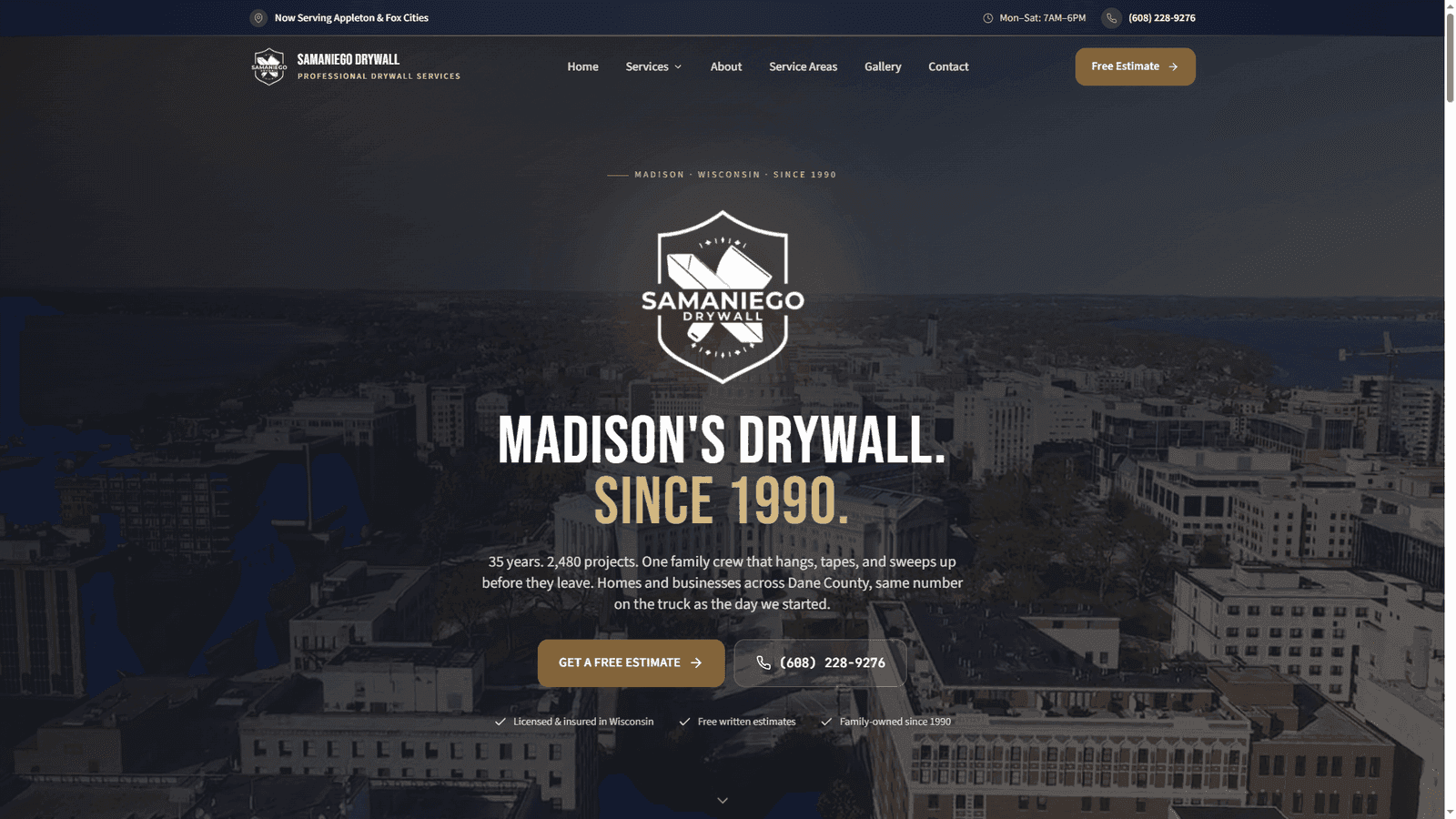
A family drywall crew working since 1990 with no website at all. EMOR built their site and a project estimate tool in two weeks; within 90 days they were on page one of Google, and the tool has scoped over $50,000 in quoted work, so every lead lands priced instead of anonymous.

Quoted through the tool
$50K+
Google, local drywall
Page 1
Website before EMOR
None

“We had no website. Just a binder and scraps of paper. EMOR built the site, the calls get answered, and the jobs are finally in one place. Worth every dollar.”

Santiago, Samaniego Drywall
Read the Samaniego Drywall story
samaniegodrywall.com
Samaniego Drywall website, built and run by EMOR AI

How we work

From discovery to deployment

01

Map how you quote

We sit down with how you price a job today: the job types, the measurements you take, your rates, and the conditions that change the number.

02

Design the steps

You approve the questions, the order they appear in, the range wording, and where each request goes when it comes in.

03

Build and connect

We build the tool into your site, wire delivery to your inbox, phone, CRM and calendar, and test the ranges against real past jobs.

04

Launch and tune

The tool goes live on your site. We host and monitor it, and adjust the ranges as your real quotes come in.

Common questions

How much does a custom estimate tool cost?

It is scoped on the call. Scope moves with how many job types the tool prices, how many steps and conditions it asks about, whether it shows a range or collects a scoped request, and where each request needs to go. You get a written scope before any commitment.

What kinds of businesses use an online estimate tool?

Any business that quotes from a few known inputs: painters, drywall crews, cabinet and millwork shops, remodelers, roofers, cleaning companies, landscapers and movers. If you ask the same scoping questions on every call, those questions can live on your website. Samaniego Drywall has had more than $50,000 in work quoted through its tool.

Should an estimate tool show prices or just collect the details?

Both work, and we build either. A rough range suits work with predictable pricing, like painting or drywall, and it is set wide so it reads as a ballpark while your site visit sets the final price. Custom work, like cabinetry, often fits a planner that collects rooms, materials, budget and photos with no number shown.

How does the tool calculate the range?

From rules you approve. We start from how you quote today: your rate per square foot or per room, the finish or condition levels that change the number, minimum job sizes, and anything that always adds cost. The tool applies those rules as the customer answers, and we adjust them as your real quotes come in.

Will it work with my existing website and CRM?

Yes. The tool can be added to the site you already have or built into a new site we build and run, always on your own domain and in your brand. Each request lands in your inbox, as a text to your phone, and in your CRM as one job record. A website plus an estimate tool goes live within about two weeks of kickoff.

What happens after the estimate tool launches?

We host it, monitor it and maintain it. When your rates change, you add a service, or a step needs new wording, updating it is our job. You get reporting on which jobs people request and where they found you, and your request data exports cleanly at any time.

Show us how you quote a job today.

Bring your rates, the questions you ask on every call, and a few recent quotes. We turn them into a tool on your website and run it from there.

CallGet consistent leads